 NX-BUILD
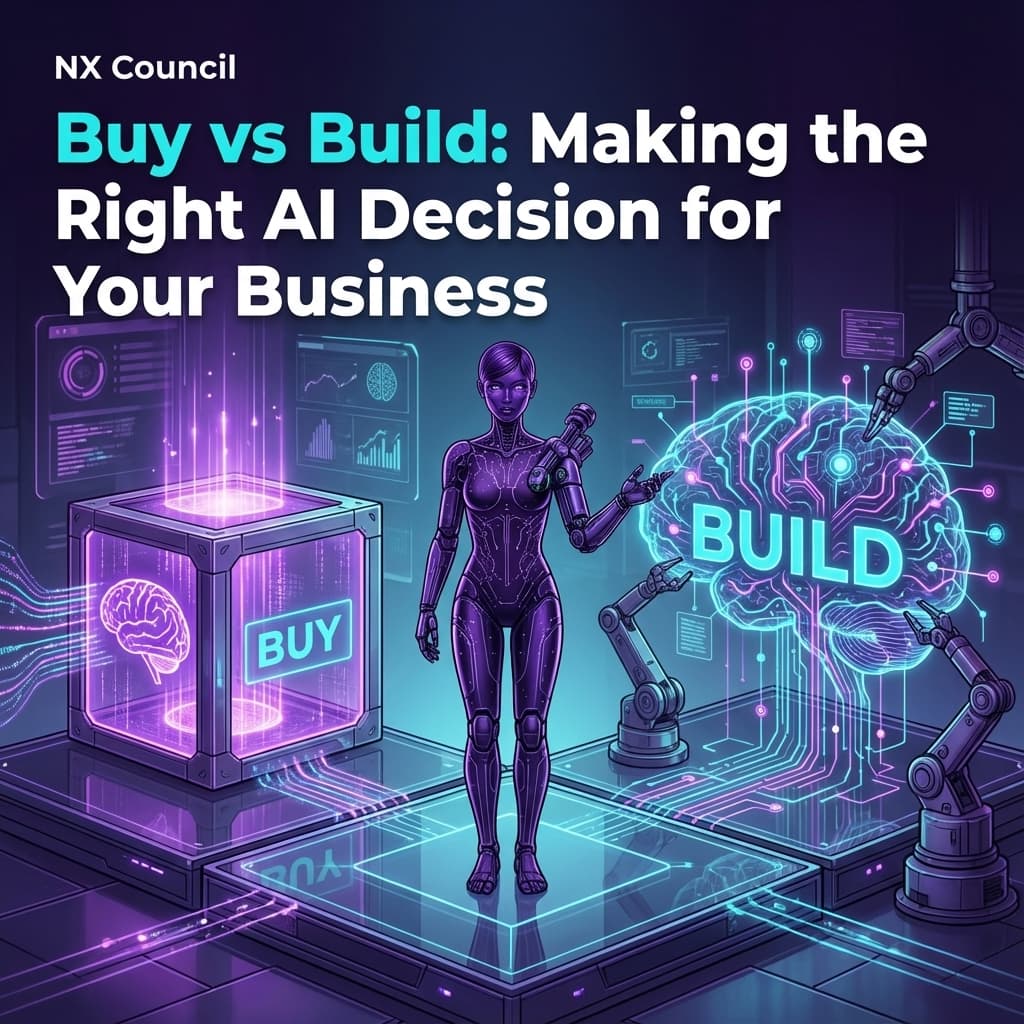
Buy vs Build: Making the Right AI Decision for Your Business
Should you buy off-the-shelf AI tools or build custom solutions? A practical framework for making this critical decision, including hidden costs, risk factors, and when hybrid approaches make sense.
"Should we build it ourselves or buy something off the shelf?"
This question comes up in every AI project. Get it wrong, and you either waste money on a solution that does not fit, or waste time building something that already exists.
This guide gives you a framework for making this decision confidently.
The Real Question
The buy vs build decision is not actually about technology. It is about three things:
- Competitive Advantage: Is this capability core to how you win?
- Resource Reality: Do you have the skills, time, and money to build?
- Risk Tolerance: Can you afford to fail, and how fast do you need results?
For most SMEs, 90% of AI needs should be met with bought solutions. The 10% worth building are the capabilities that differentiate you from competitors.
The Buy vs Build Spectrum
It is not a binary choice. There is a spectrum of options:
| Option | Control | Cost | Time | Risk |
|---|---|---|---|---|
| Pure Buy (SaaS tool) | Low | Low upfront, ongoing subscription | Days | Low |
| Configure (Platform + customisation) | Medium | Medium | Weeks | Low-Medium |
| Integrate (APIs + custom code) | Medium-High | Medium-High | Months | Medium |
| Pure Build (Custom development) | High | High upfront, lower ongoing | Months-Years | High |
Pure Buy: Off-the-Shelf SaaS
What It Means: Sign up for an existing AI tool and use it as-is.
Examples:
- ChatGPT Team for content creation
- Intercom Fin for customer support
- Jasper for marketing copy
- Otter.ai for meeting transcription
Best When:
- The use case is common across industries
- Speed to value is critical
- You have no technical resources
- The tool already does 80%+ of what you need
Watch Out For:
- Feature gaps you cannot work around
- Data leaving your control
- Price increases as you scale
- Vendor lock-in
Configure: Platforms with Customisation
What It Means: Use a platform designed to be customised, like no-code AI builders or customisable SaaS.
Examples:
- Custom GPTs in ChatGPT
- Salesforce Einstein with custom rules
- HubSpot AI with workflow automation
- Power Platform with AI Builder
Best When:
- You need some customisation but not full control
- You have power users but not developers
- The platform ecosystem meets most needs
- You want fast iteration on workflows
Watch Out For:
- Platform limitations hit at scale
- Vendor ecosystem lock-in
- Ongoing platform costs
- Customisations may not survive updates
Integrate: APIs Plus Custom Code
What It Means: Use AI model APIs (OpenAI, Anthropic, etc.) with custom code to build tailored solutions.
Examples:
- Custom chatbot using Claude API + your knowledge base
- Document processing pipeline with GPT-4 Vision
- Automated email drafts with company context
- Internal search powered by embeddings
Best When:
- Off-the-shelf tools do not fit your workflow
- You have developer resources (internal or agency)
- You need deep integration with existing systems
- Data security requires more control
Watch Out For:
- API costs can surprise you
- Ongoing maintenance burden
- Model changes may break your code
- Quality assurance is your responsibility
Pure Build: Custom Development
What It Means: Build AI capabilities from scratch, potentially including training your own models.
Examples:
- Proprietary recommendation engine
- Industry-specific prediction model
- Custom computer vision system
- Specialised language model fine-tuned on your data
Best When:
- The capability is core to your competitive advantage
- No existing solution comes close
- You have significant AI/ML expertise
- You can invest long-term
Watch Out For:
- Massively underestimating complexity
- Talent acquisition and retention
- Ongoing research and development costs
- Time to value measured in years
The Decision Framework
Step 1: Define the Capability
Before choosing buy vs build, be crystal clear on what you need:
Capability Definition Worksheet:
| Question | Your Answer |
|---|---|
| What specific problem does this solve? | |
| Who will use it? How often? | |
| What inputs does it need? | |
| What outputs should it produce? | |
| What quality level is acceptable? | |
| How will we measure success? |
Step 2: Assess Strategic Importance
Score the capability on these dimensions:
Differentiation Score (1-5)
- 1: Commodity capability, everyone has it
- 3: Important but not unique
- 5: Core to how we beat competitors
Data Advantage Score (1-5)
- 1: We have no special data
- 3: We have useful proprietary data
- 5: Our data is a significant competitive moat
Integration Complexity Score (1-5)
- 1: Standalone tool, no integration needed
- 3: Needs to connect to 2-3 systems
- 5: Deep integration across multiple systems
If total score is 12+: Consider building or heavy integration If total score is 7-11: Consider configurable platforms If total score is under 7: Buy off-the-shelf
Step 3: Reality Check Resources
Be honest about what you have:
| Resource | Have It? | Notes |
|---|---|---|
| Developer with AI/ML experience | ||
| Budget for 6+ months development | ||
| Time to wait 6+ months for results | ||
| Capacity to maintain ongoing | ||
| Executive patience for R&D |
If you answered "No" to 2+ items: Lean toward buying.
Step 4: Calculate Total Cost of Ownership
Buying and building both have hidden costs. Calculate the full picture:
Buy TCO (3-Year):
- Subscription fees × 36 months
- Implementation/setup costs
- Training and change management
- Integration development (if any)
- Workaround costs for feature gaps
Build TCO (3-Year):
- Developer salaries (or agency fees)
- Infrastructure costs (cloud, tools)
- API costs (if using model APIs)
- Ongoing maintenance (20-30% of build cost annually)
- Opportunity cost of delayed delivery
Most organisations underestimate build costs by 2-3x. Include debugging, testing, documentation, security review, and the inevitable scope creep.
Step 5: Assess Risk
| Risk Factor | Buy | Build |
|---|---|---|
| Time to value | Low risk | High risk |
| Feature fit | Medium risk | Low risk |
| Vendor dependency | High risk | Low risk |
| Technical failure | Low risk | Medium risk |
| Maintenance burden | Low risk | High risk |
| Cost predictability | Medium risk | Low risk long-term |
Hybrid Approaches
Often the best answer is a combination:
Pattern 1: Buy Core, Build Edge
Use bought solutions for the main capability, build custom integrations or extensions.
Example:
- Buy: Zendesk for ticket management
- Build: Custom AI triage that categorises tickets and suggests responses using your knowledge base
Pattern 2: Build Prototype, Buy Scale
Build a quick proof-of-concept to validate the idea, then buy or integrate properly.
Example:
- Build: Quick demo using ChatGPT API
- Buy: Production-ready platform once you prove value
Pattern 3: Buy Now, Build Later
Start with a bought solution to learn, plan to replace with custom build as you mature.
Example:
- Buy: Off-the-shelf recommendation widget
- Build: Custom recommendation engine once you understand the patterns
Vendor Evaluation Checklist
If you decide to buy, evaluate vendors on these criteria:
Functionality (40%)
- Meets 80%+ of requirements
- Clear roadmap for missing features
- API available for integration
- Customisation options exist
Security & Compliance (25%)
- SOC 2 Type II certified
- GDPR compliant (if applicable)
- Data residency options
- Clear data handling policies
Commercial (20%)
- Transparent pricing
- Reasonable contract terms
- Data export capability
- Exit clause in contract
Operational (15%)
- Uptime SLA
- Support responsiveness
- Documentation quality
- User community exists
Common Mistakes
Mistake 1: Building Commodity Capabilities Do not build a meeting transcription tool when Otter.ai exists. Save building for what makes you unique.
Mistake 2: Underestimating Buy Customisation Modern SaaS is highly customisable. Exhaust configuration options before deciding to build.
Mistake 3: Ignoring Maintenance Built solutions require ongoing care. Budget 20-30% of initial build cost annually for maintenance.
Mistake 4: Overweighting Control "We need full control" is often fear speaking. Define what control you actually need and why.
Mistake 5: Not Piloting First Whether buying or building, run a small pilot before committing. Validate assumptions with real usage.
Decision Tree Summary
Start Here: What capability do you need?
    │
    ▼
Is this core to your competitive advantage?
    │
    ├─ No → BUY (SaaS tool or platform)
    │
    └─ Yes → Do you have AI/ML expertise in-house?
                │
                ├─ No → BUY + INTEGRATE (APIs + custom code)
                │
                └─ Yes → Is your data a significant moat?
                            │
                            ├─ No → INTEGRATE (APIs + custom code)
                            │
                            └─ Yes → BUILD (custom development)
Next Steps
- List your AI needs - what capabilities are you considering?
- Score each on strategic importance - use the framework above
- Reality check your resources - be honest
- Calculate TCO for top 2 options
- Run a pilot before committing
Want to assess your technology readiness? Technology and integration is one of six pillars in our AI Readiness Assessment. Take the free assessment to understand your current capabilities and get personalised recommendations.
 NX-AI
NX-AI
 NX-BUILD
 NX-GUARD