 NX-BUILD
AI Tech Stack Guide: What SMEs Actually Need
Cut through the hype and understand what technology infrastructure you really need for AI. A practical guide to platforms, tools, and architecture decisions for small and medium businesses.
The AI technology landscape is overwhelming. Thousands of tools, dozens of platforms, and endless marketing claims. Most of it is designed for enterprises with dedicated AI teams and million-dollar budgets.
This guide cuts through the noise. Here is what SMEs actually need to implement AI successfully.
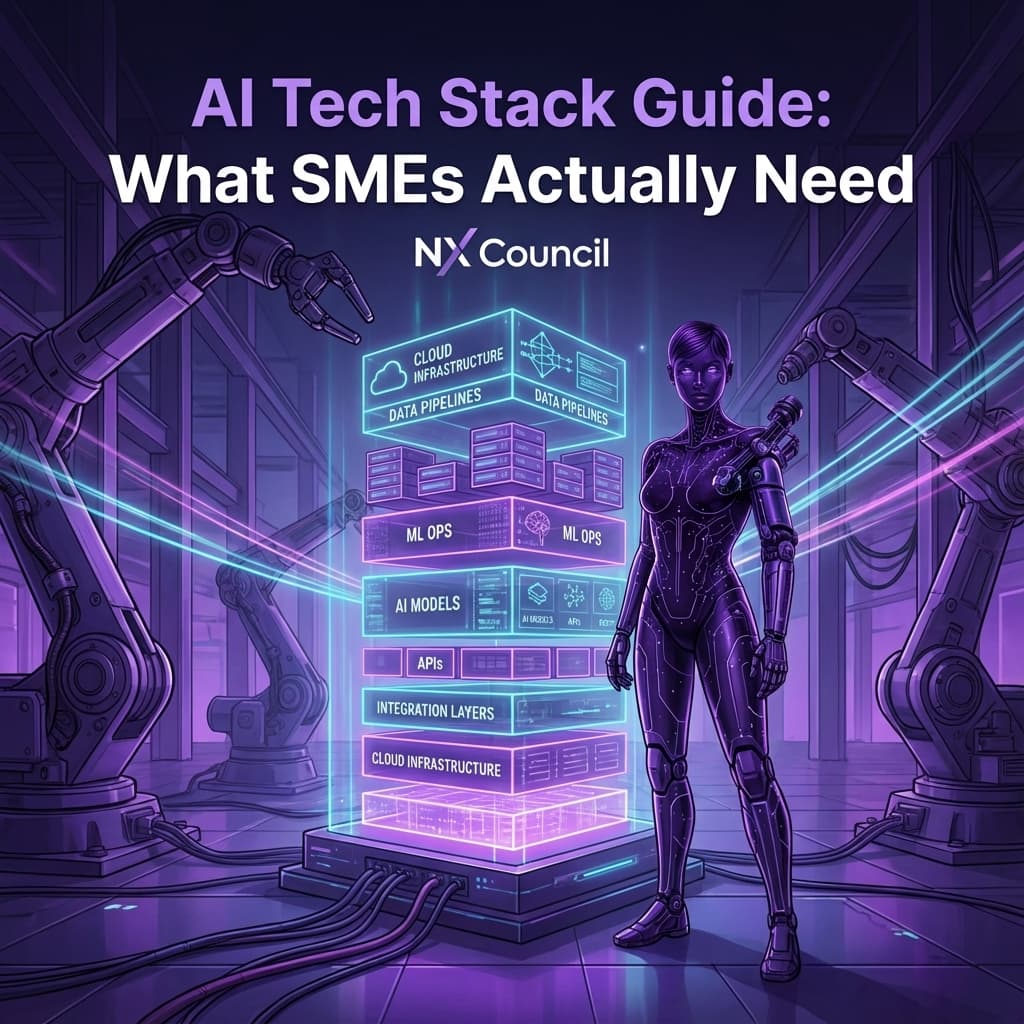
The AI Tech Stack Pyramid
Think of your AI infrastructure as a pyramid with four layers. Each layer builds on the one below.
         ┌─────────────────┐
         │   AI Tools &    │  ← What users interact with
         │   Applications  │
         ├─────────────────┤
         │   AI Services   │  ← APIs and models
         │   & Models      │
         ├─────────────────┤
         │   Data Layer    │  ← Where your data lives
         │                 │
         ├─────────────────┤
         │   Foundation    │  ← Cloud, security, identity
         │   Infrastructure│
         └─────────────────┘
You do not need everything at once. Start at the top (tools) and work down as your needs grow.
Layer 1: AI Tools and Applications
This is where most SMEs should start. Ready-to-use tools that require no technical setup.
Generative AI Assistants
| Tool | Best For | Pricing |
|---|---|---|
| ChatGPT | General tasks, content, coding | Free tier available, Plus £20/month |
| Claude | Long documents, analysis, writing | Free tier available, Pro £18/month |
| Microsoft Copilot | Office integration, M365 users | Included with M365, Pro £19/month |
| Google Gemini | Google Workspace users | Free tier, Advanced £19/month |
If you have never used AI before, start with ChatGPT or Claude free tiers. Spend a month learning prompt techniques before investing in paid tools.
Specialised AI Tools by Function
Marketing & Content
- Jasper: Long-form marketing content
- Copy.ai: Short-form copy and ads
- Canva AI: Design and image generation
- Descript: Video editing with AI
Sales & CRM
- HubSpot AI: CRM with built-in AI features
- Apollo: Sales intelligence and outreach
- Gong: Conversation intelligence
- Clay: Data enrichment and automation
Customer Service
- Intercom Fin: AI-powered support
- Zendesk AI: Ticket automation
- Freshdesk Freddy: Virtual agent
Operations
- Notion AI: Knowledge management
- Otter.ai: Meeting transcription
- Zapier: Workflow automation
- Make: Complex automation
Choosing Your First Tools
Do not buy everything at once. Follow this selection process:
- Identify your biggest pain point (content creation, customer support, data entry)
- Find 2-3 tools that address that pain
- Try free tiers for at least 2 weeks
- Measure the impact before committing to paid plans
- Expand slowly based on proven ROI
Layer 2: AI Services and Models
When off-the-shelf tools are not enough, you need access to AI models directly. This is where things get more technical.
AI Model APIs
These let you build custom applications or integrate AI into existing systems.
| Provider | Key Models | Best For |
|---|---|---|
| OpenAI | GPT-4, GPT-4o, DALL-E | General purpose, most mature ecosystem |
| Anthropic | Claude 3.5 Sonnet, Claude 3 Opus | Long context, safety-focused |
| Gemini Pro, Gemini Ultra | Multimodal, Google integration | |
| Mistral | Mistral Large, Mixtral | European data residency, open weights |
| Cohere | Command, Embed | Enterprise search, RAG applications |
When to Use APIs vs Tools
Use Ready-Made Tools When:
- The use case is common (content, support, transcription)
- You have no developer resources
- Speed to value matters most
- Data sensitivity is low
Use APIs When:
- You need custom workflows
- You have developer resources
- Integration with existing systems is required
- You need fine-grained control
API Cost Management
AI API costs can surprise you. Here is how to manage them:
Cost Factors:
- Input tokens (what you send to the model)
- Output tokens (what the model generates)
- Model choice (GPT-4 costs ~30x more than GPT-3.5)
Cost Control Strategies:
- Use cheaper models for simple tasks
- Limit output length where appropriate
- Cache common responses
- Set hard spending limits
- Monitor usage daily during rollout
A single poorly designed automation can consume thousands in API credits overnight. Always implement rate limiting and spending caps before going live.
Layer 3: Data Layer
AI is only as good as the data it can access. This layer determines what your AI can know and do.
Data Storage Options
For Small Teams (Under 20 Employees)
- Google Sheets/Airtable: Simple structured data
- Notion: Documents and knowledge bases
- Google Drive/OneDrive: File storage
- CRM system: Customer data
For Growing Teams (20-100 Employees)
- PostgreSQL/MySQL: Relational databases
- MongoDB: Flexible document storage
- Supabase: Managed database with APIs
- Pinecone/Weaviate: Vector databases for AI search
Vector Databases Explained
Vector databases are essential for AI applications that need to search your own content (called RAG - Retrieval Augmented Generation).
How They Work:
- Your documents are converted to "embeddings" (numerical representations)
- These embeddings are stored in the vector database
- When a user asks a question, it is also converted to an embedding
- The database finds the most similar content
- That content is sent to the AI model as context
Popular Options:
| Database | Hosting | Best For |
|---|---|---|
| Pinecone | Managed cloud | Easy setup, good for starters |
| Weaviate | Self-hosted or cloud | Flexibility, open source |
| Chroma | Self-hosted | Simple, lightweight |
| Qdrant | Self-hosted or cloud | Performance, filtering |
| pgvector | PostgreSQL extension | If you already use Postgres |
Data Integration Patterns
Getting data from your existing systems into AI-accessible formats:
Pattern 1: Direct API Connection Your AI tool connects directly to your CRM, accounting system, etc.
- Pros: Real-time data, simple setup
- Cons: Limited by what APIs exist
Pattern 2: Data Warehouse Consolidate data from multiple sources into one location.
- Pros: Single source of truth, historical analysis
- Cons: More complex, potential data lag
Pattern 3: Knowledge Base Structure company information for AI consumption.
- Pros: AI can answer questions about your business
- Cons: Requires ongoing maintenance
Layer 4: Foundation Infrastructure
This is the underlying platform everything runs on. For most SMEs, this means cloud services.
Cloud Platform Comparison
| Platform | Strengths | AI Services | Best For |
|---|---|---|---|
| AWS | Widest services, most mature | Bedrock, SageMaker | Complex enterprise needs |
| Google Cloud | Data/ML strength, Vertex AI | Vertex AI, AutoML | Data-heavy organisations |
| Microsoft Azure | Office integration, OpenAI partnership | Azure OpenAI, Cognitive Services | Microsoft-centric organisations |
SME Cloud Reality Check
Most SMEs do not need a dedicated cloud platform for AI. Here is when you do and do not:
You Do NOT Need Cloud Infrastructure If:
- You are using SaaS AI tools (ChatGPT, Jasper, etc.)
- Your data stays in existing systems (CRM, accounting)
- You have no custom development needs
You Need Cloud Infrastructure If:
- You are building custom AI applications
- You need to process sensitive data on your own infrastructure
- You require high-volume AI processing
- You need to fine-tune models on your data
Security Essentials
Whatever stack you choose, these security basics are non-negotiable:
- Authentication: SSO where possible, MFA everywhere
- Data Classification: Know what is sensitive before using AI
- Access Control: Limit who can use what AI tools
- Audit Logging: Track what data goes through AI systems
- Vendor Review: Check AI vendor security certifications
Building Your Stack: Three Pathways
Pathway A: The Minimalist (Most SMEs)
Total Investment: £0-500/month
- Tools: ChatGPT Plus or Claude Pro (£20/month)
- Automation: Zapier Starter (£19/month)
- Data: Existing systems (CRM, Google Workspace)
- Custom Needs: None initially
When to Upgrade: When you hit clear limitations with tools or need custom integrations.
Pathway B: The Integrator
Total Investment: £500-2,000/month
Everything in Pathway A, plus:
- API Access: OpenAI or Anthropic API (usage-based)
- Automation: Make Pro or Zapier Professional
- Database: Supabase or Airtable Pro
- Development: Part-time developer or agency
When to Upgrade: When you need enterprise security, custom models, or high-volume processing.
Pathway C: The Builder
Total Investment: £2,000-10,000/month
Everything in Pathway B, plus:
- Cloud Platform: AWS, Azure, or GCP
- Vector Database: Pinecone or Weaviate
- Development: Dedicated developer(s)
- MLOps: Model monitoring and management
When to Consider: When AI becomes core to your competitive advantage.
Common Mistakes
Mistake 1: Over-Engineering Early You do not need Kubernetes, vector databases, and custom models to start. Begin with tools, add complexity only when needed.
Mistake 2: Ignoring Total Cost API costs, developer time, training, and maintenance add up. Budget for the full picture, not just subscription fees.
Mistake 3: Choosing Tech Before Use Case "We need to use GPT-4" is backwards. Start with "We need to reduce support ticket volume" and work backwards to tech.
Mistake 4: Neglecting Data Quality The best AI infrastructure cannot fix garbage data. Clean your data before investing in AI tech.
Mistake 5: No Exit Strategy Vendor lock-in is real. Choose tools and platforms that allow data export and have alternatives.
Decision Framework
When evaluating any AI technology, score it on these criteria:
| Criterion | Weight | Questions to Ask |
|---|---|---|
| Problem Fit | High | Does this solve our actual problem? |
| Time to Value | High | How quickly can we see results? |
| Total Cost | High | What is the 12-month total cost? |
| Complexity | Medium | Do we have skills to implement? |
| Scalability | Medium | Will this grow with us? |
| Lock-in Risk | Low | Can we switch if needed? |
Next Steps
- Audit your current tools - what AI capabilities do you already have?
- Identify one clear use case - where would AI add most value?
- Start with Pathway A - use existing tools before buying new ones
- Track what works - document wins and limitations
- Upgrade deliberately - add complexity only when you hit real limits
Want to assess your technology readiness? Technology and integration is one of six pillars in our AI Readiness Assessment. Take the free assessment to see where you stand and get personalised recommendations.

 NX-AI
NX-AI
 NX-GUARD
 NX-BUILD